Monadeck is a SteamVR-style dashboard, launcher and desktop overlay for Monado. Launch your games, rebind your controllers and bring your desktop into VR, all without taking the headset off.
Monadeck lives in two places: a dashboard you summon in the headset, and a small control panel on your desktop that looks after the runtime.
Library
Your games, a trigger pull away
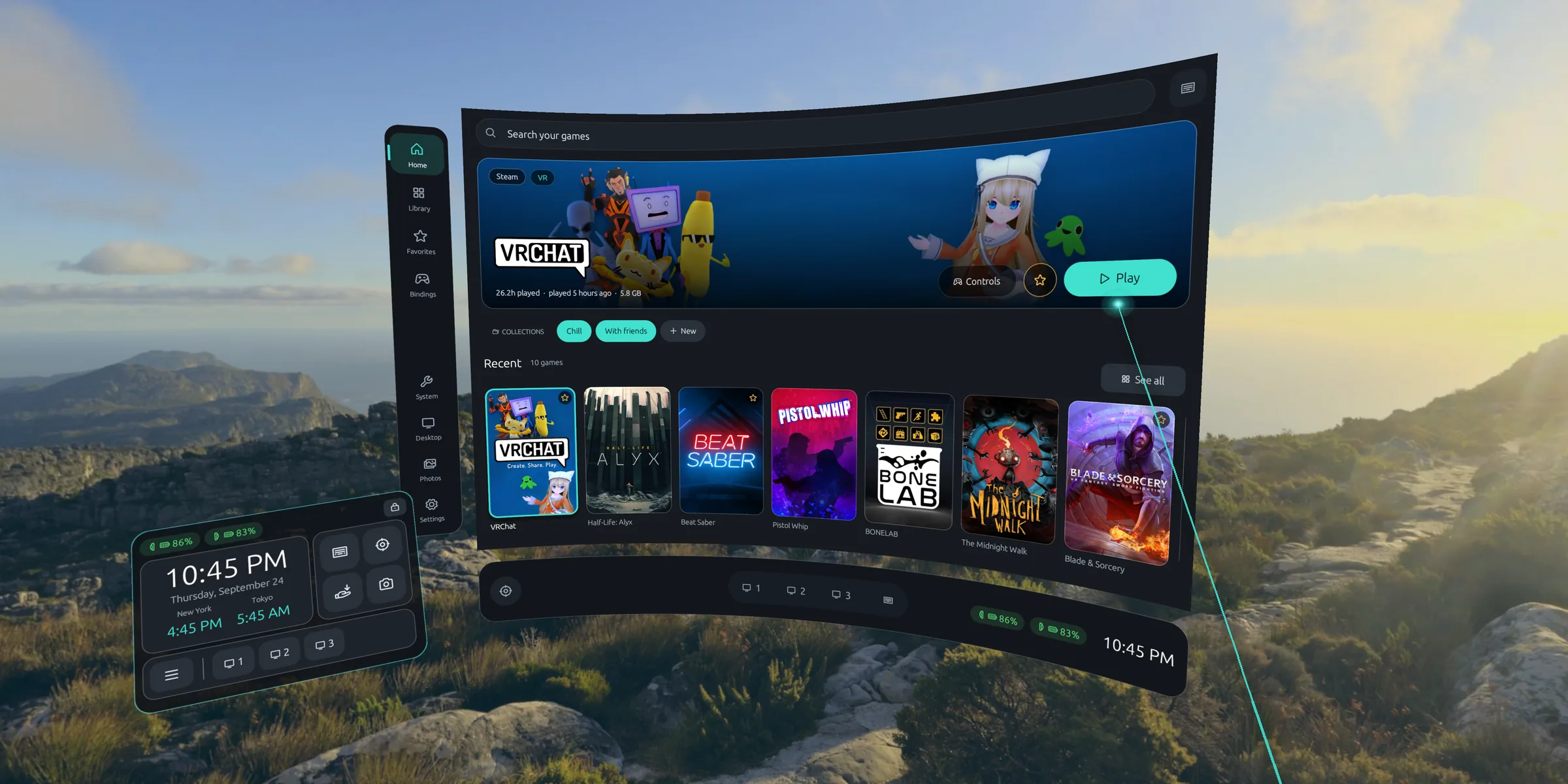
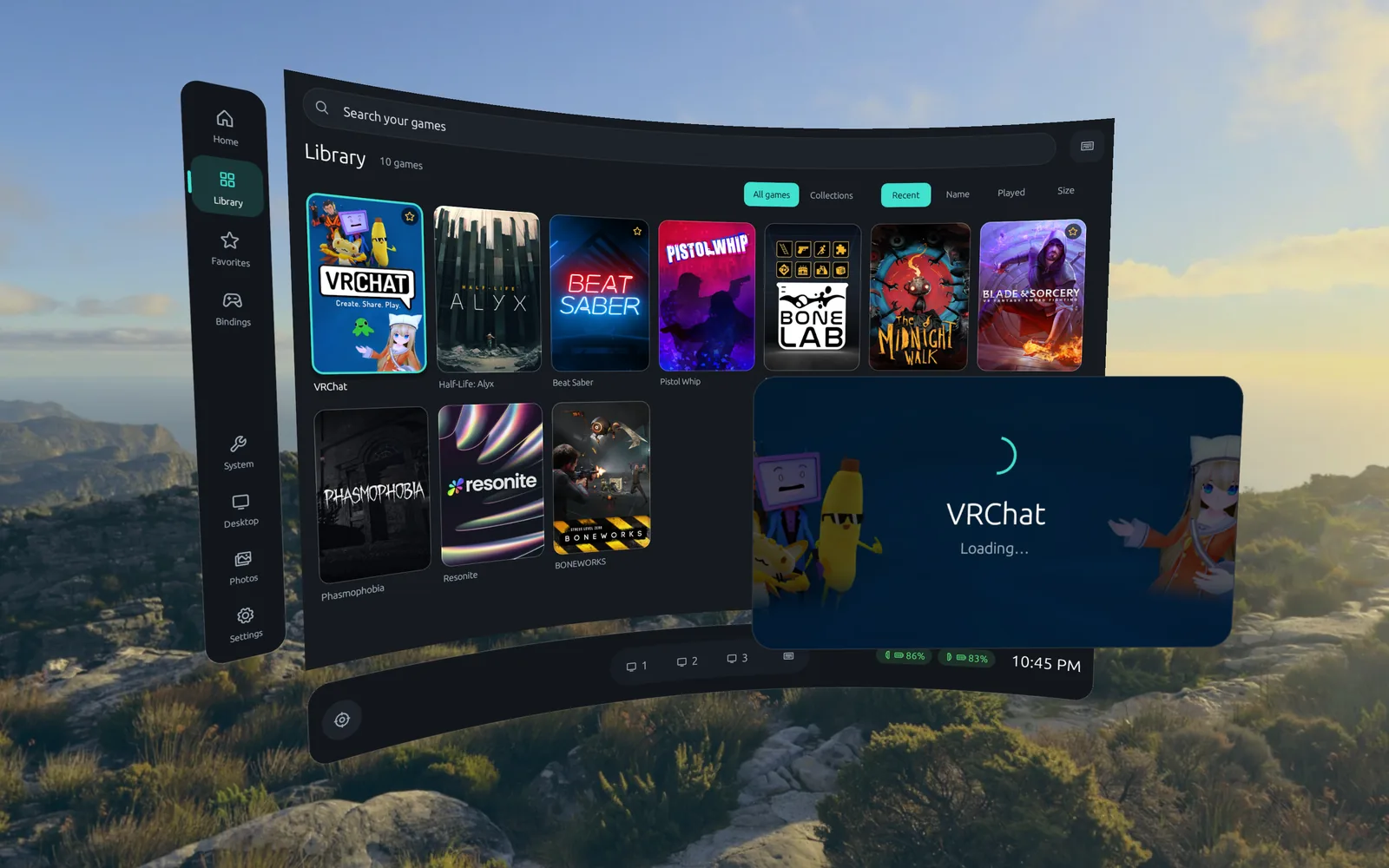
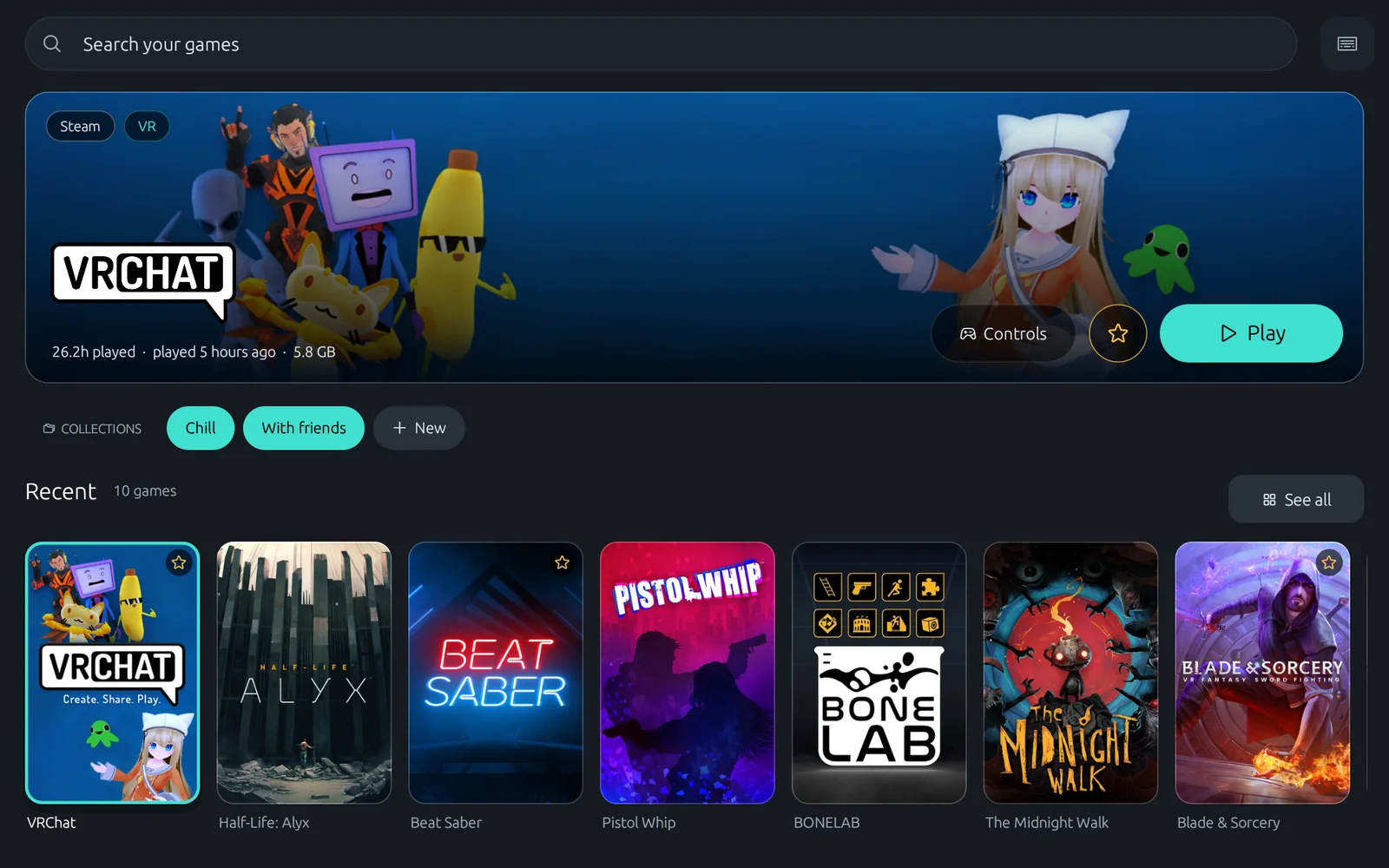
Steam and non-Steam games with their artwork, collections, favorites and playtime, on a curved dashboard you summon with the left system button. Flat Unreal Engine games launch in VR through UEVR.
Collections, favorites and sorting by playtime or size
A SteamVR-style loading screen while a game starts
Japanese, Chinese and Korean titles too
Controller bindings
Rebind SteamVR games without leaving VR
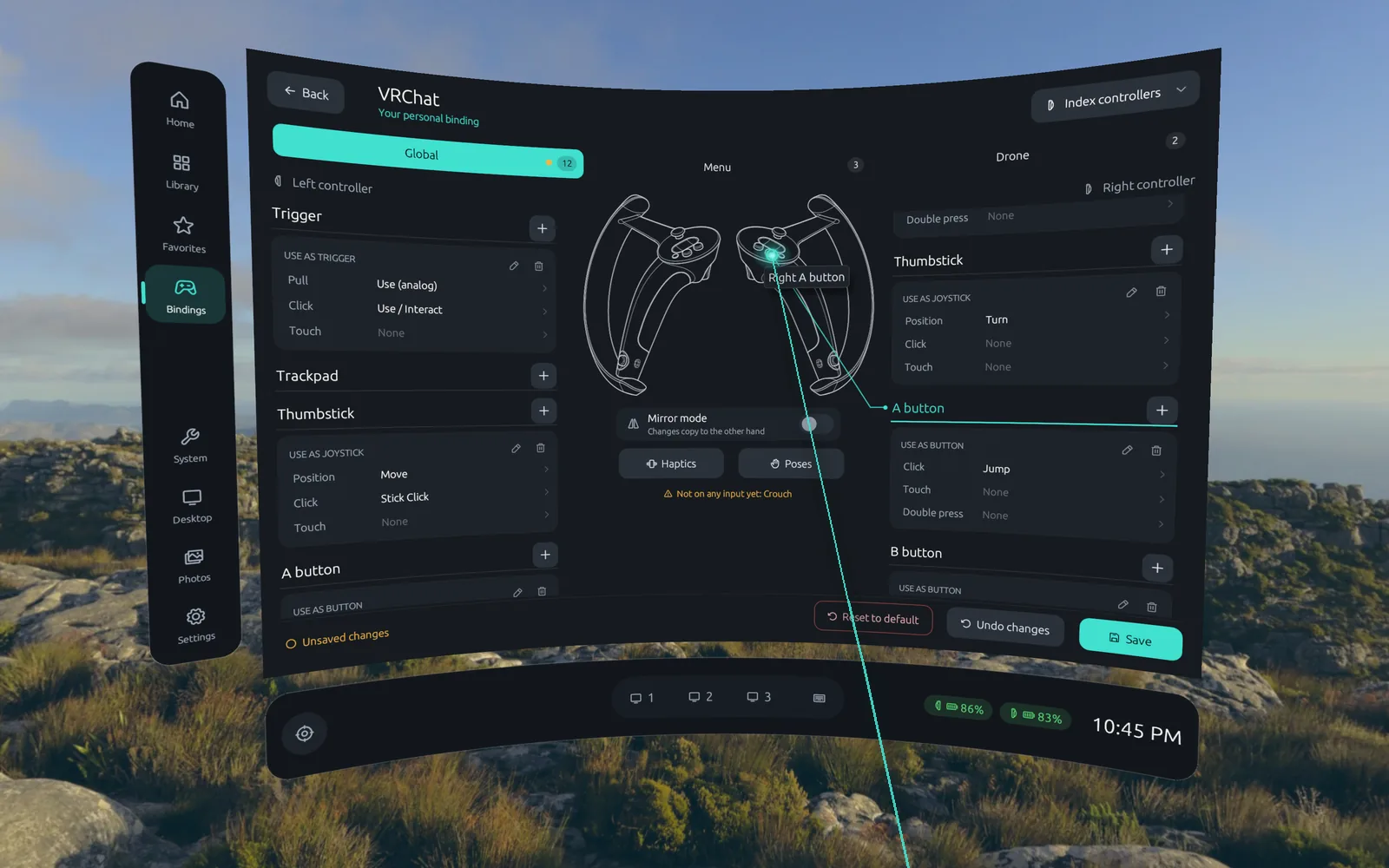
A SteamVR-style binding editor, in the headset and on the desktop. Pick a game, point at a button on the controller drawing and choose what it does, with a mirror mode that copies one hand to the other.
Valve Index, Touch and Vive controllers
Monadeck's own buttons are bindings too, chords included
Games pick up your changes while they run
Desktop
Bring your monitors with you
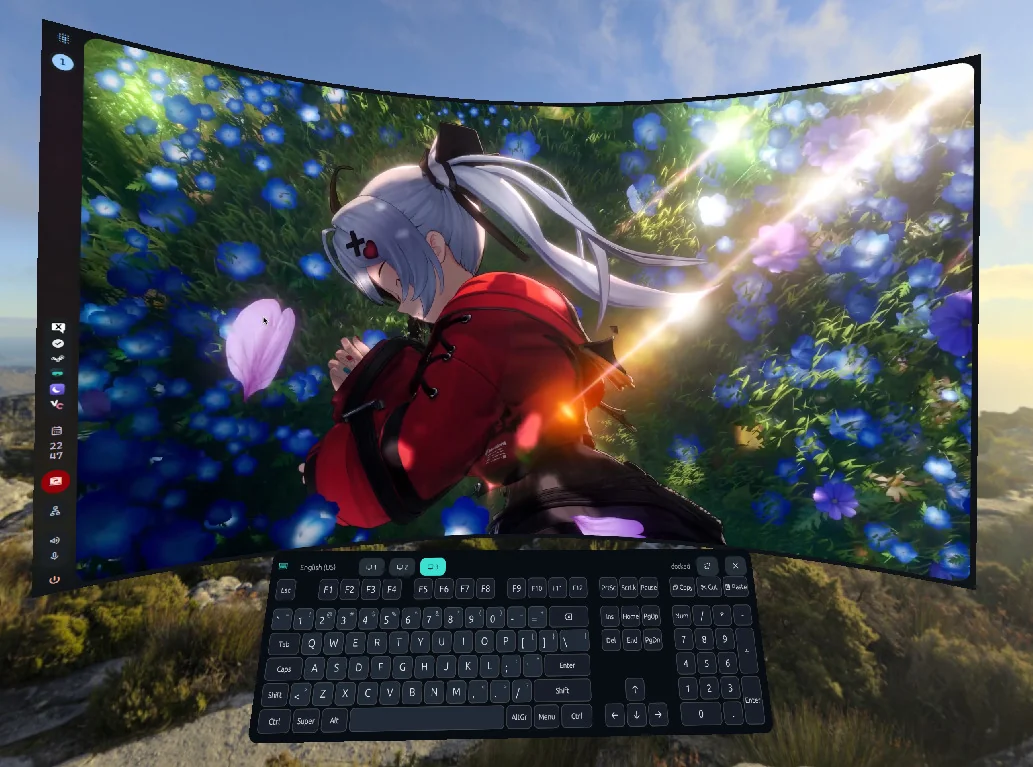
Each monitor becomes a curved screen you can grab, resize and hang anywhere, with a real mouse and a VR keyboard. Save layouts for standing or lying down, then dim and warm them up for late nights.
Zero-copy capture through PipeWire and the desktop portal
Hide every screen and bring them back with a double tap
A full keyboard that follows your text fields
Watch & notifications
Never miss a message
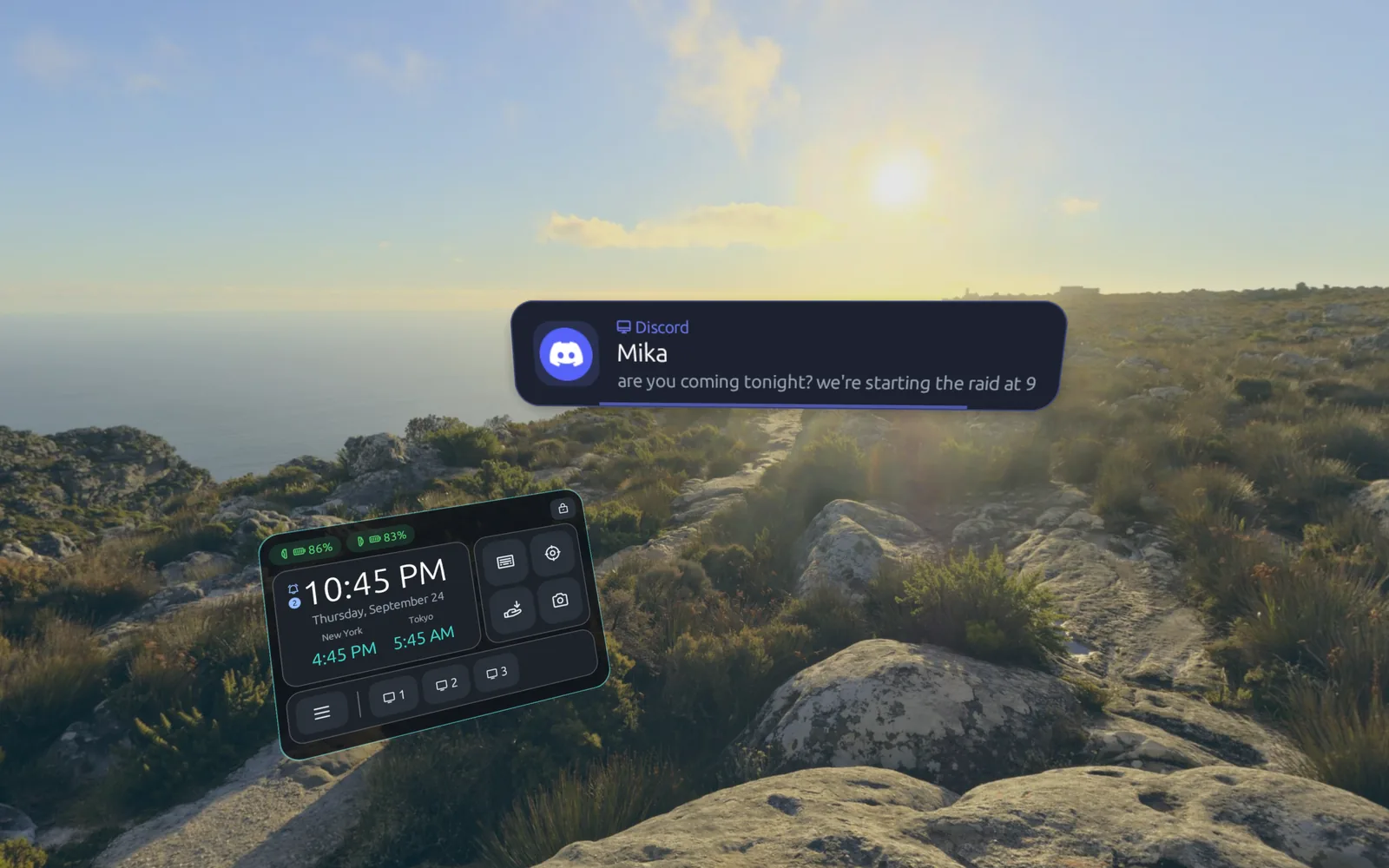
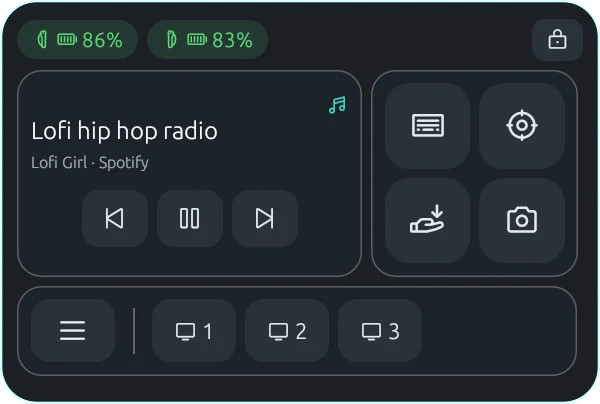
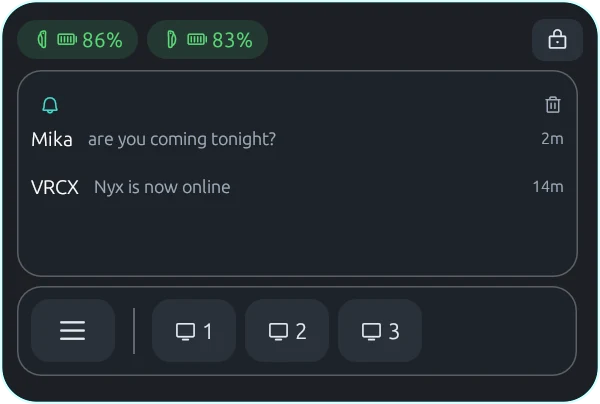
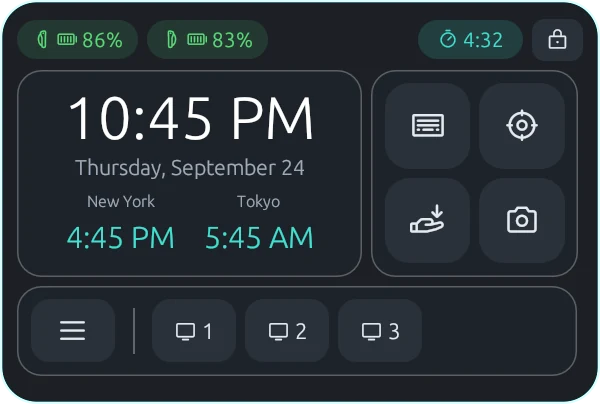
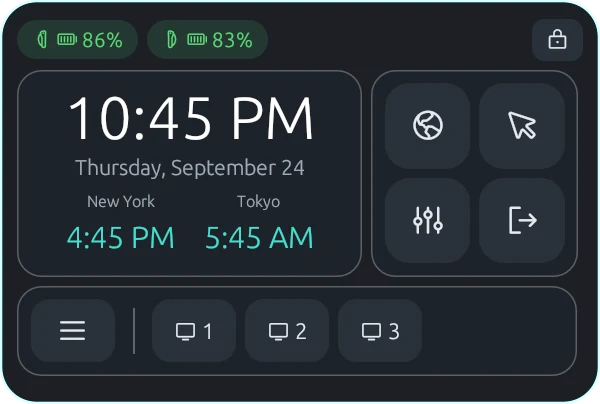
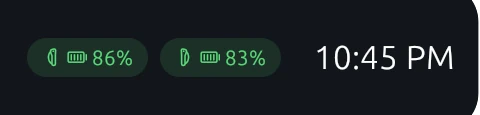
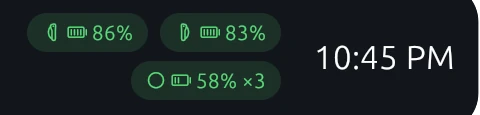
Desktop notifications and XSOverlay messages appear as cards in front of you. Your wrist carries a watch with the time in two more cities, device batteries, media controls and four quick buttons of your choice.
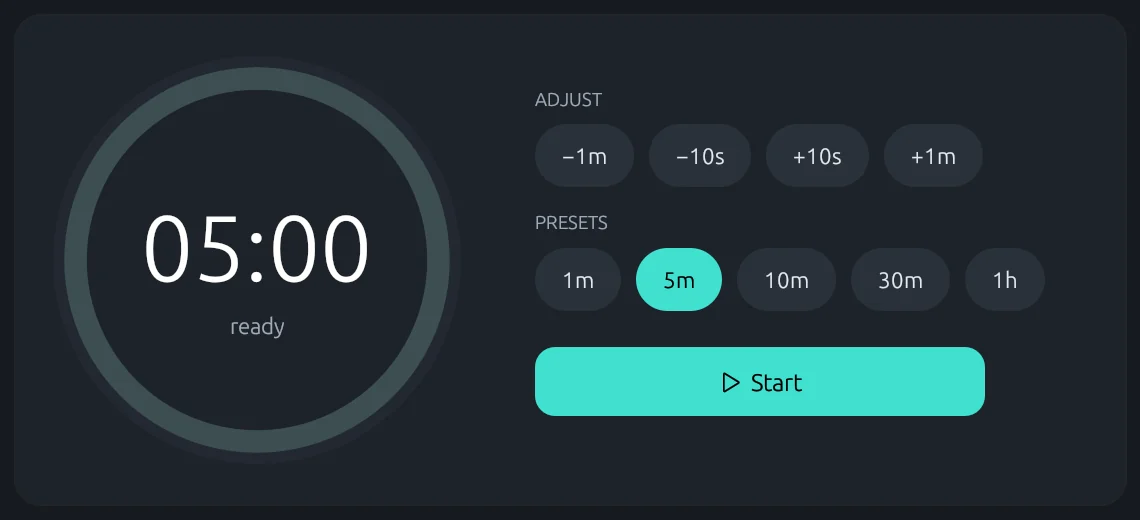
Media controlsRecent notificationsA timer running
Tour
Take a look around
Every page of the dashboard, as it hangs in front of you in the headset. Pick one from the rail.
Home puts your most recent games, your collections and the selected game's artwork up front.
And more
Made for long sessions
The small things that keep you in the headset for one more hour.
Play flat games with VR controllers
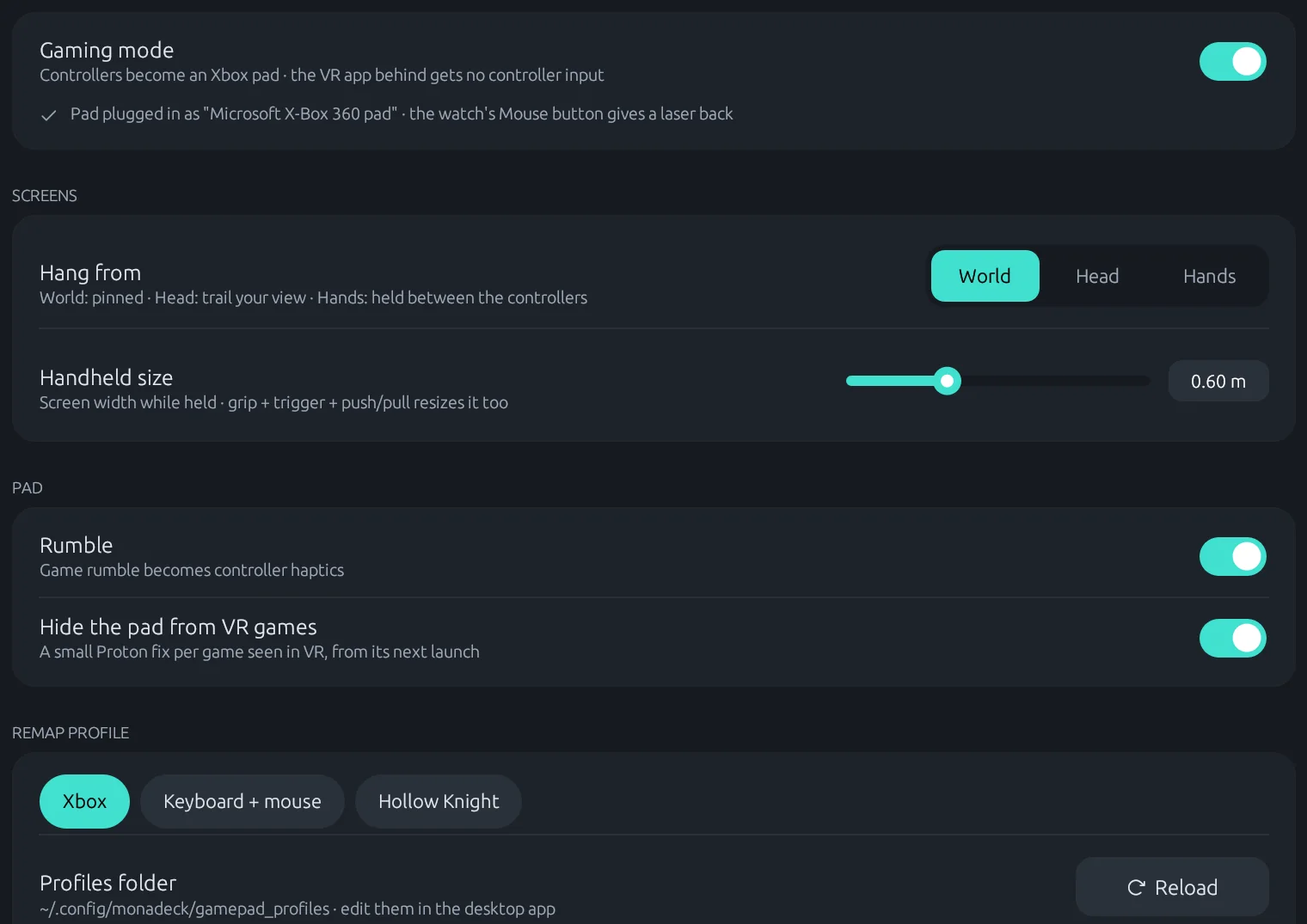
Gaming mode turns your controllers into an Xbox pad, with rumble and per-game remaps to keys and mouse. Hang the game in the world, on your head, or between your hands.
Let games drive the overlay
An OSC listener lets VRChat avatars and tools like VRCOSC toggle the watch, dashboard and screens, or raise a notification.
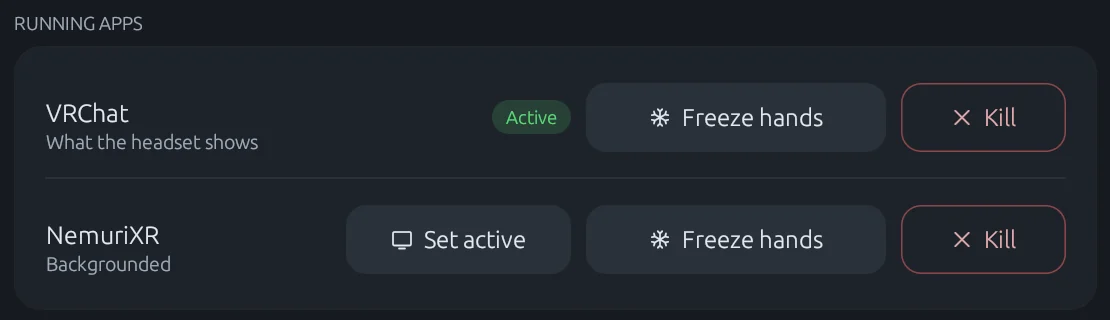
Switch a controller off and the game keeps its hand where it was, or lets go so your avatar's own pose takes over. Per app, from the headset.
Fork
Switch devices on any time
Turn on a controller, a tracker or your gloves after the runtime has started and it joins right away, finger tracking included. Swap gloves for controllers mid-session.
Fork
Screenshots with a finger frame
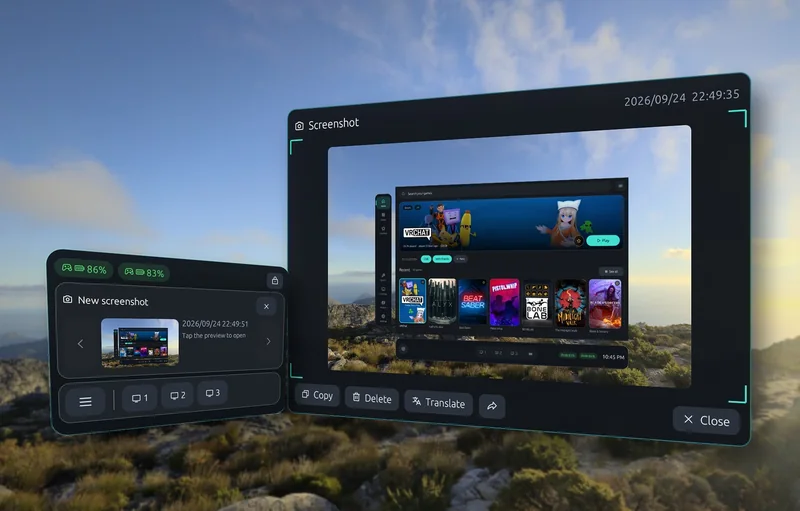
Frame a shot with both hands and it's taken. It lands on your wrist to open, copy, or read a QR code from.
Also from the fork: switched-off and out-of-tracking devices greyed out like in SteamVR, and battery levels for UDCAP gloves.
Desktop app
Set up Monado in one click
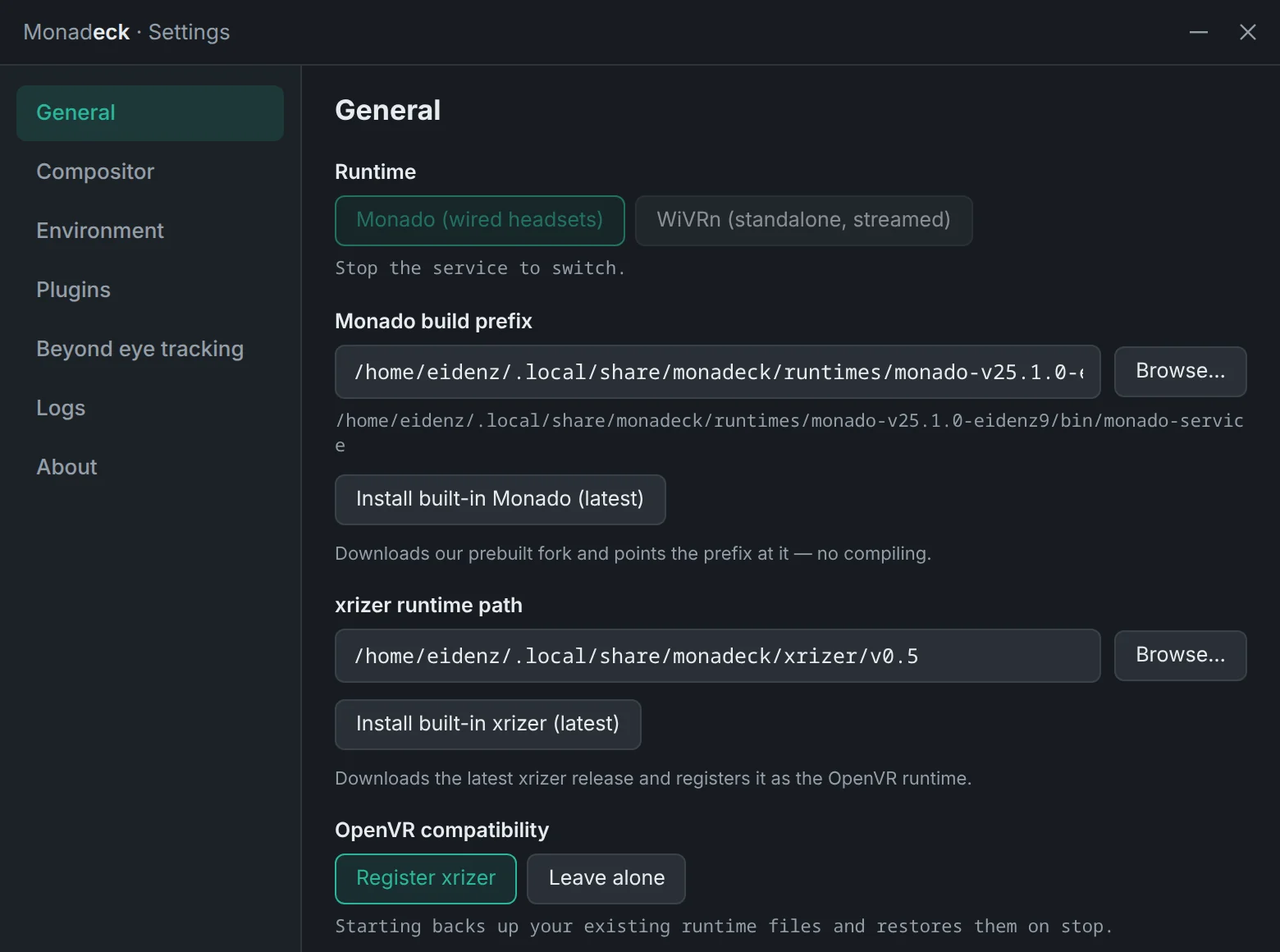
The desktop app installs a prebuilt Monado and the latest xrizer, starts the runtime and switches OpenXR and OpenVR over to it. Your SteamVR setup is backed up first and put back when you stop.
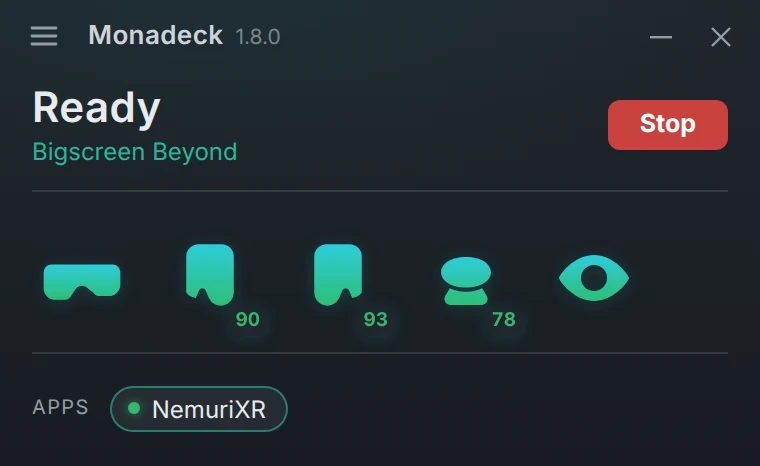
Live devices and batteries, running apps at a glance
Launch options and environment variables per runtime
The binding editor and gamepad remaps on a big screen
Standalone headset? Monadeck can run WiVRn instead, with PIN pairing and the same overlay in the headset.
Install
Up and running in three steps
1
Install Monadeck
Grab the package for your distro from the releases page. The in-headset overlay comes inside it.
In Settings › General, install the built-in Monado and xrizer or point at your own, then start the runtime. Your old config is backed up.
3
Put the headset on
The left system button summons the dashboard. Point and pull the trigger to select, grip to grab and move things.
What you need
Linux with a Wayland desktop (tested on KDE Plasma)
Steam, with Proton for Windows games
A Monado-based runtime, which Monadeck can install for you, or WiVRn 26.6+ for a standalone headset
Or build it yourself
git clone https://github.com/Eidenz/monadeck
cd monadeck/desktop
pnpm install
pnpm tauri build
FAQ
Good questions
Will it break my SteamVR setup?
No. Before it switches runtimes, Monadeck backs up your OpenXR and OpenVR runtime files, and it puts them back when you stop the service. SteamVR keeps working as it did.
Do I need the Monado fork?
No. Monadeck works with any Monado-based runtime. Controller freeze, in-headset screenshots, device hotplug, switched-off and out-of-tracking states and glove batteries need the fork, and they hide themselves without it.
Does it replace Envision?
Partly. Monadeck doesn't build Monado from source or manage drivers; Envision is the right tool for that, and Monadeck can sit next to it. Monadeck takes over from there: running the service, and everything you do in the headset.
Which headsets work?
Anything your Monado build drives, or a standalone headset streaming through WiVRn. Controller drawings in the binding editor cover Valve Index, Touch and Vive controllers.
How do I summon the dashboard?
Press the left system button (the left menu button on Touch controllers). It's a binding like any other, so you can move it in Bindings › Monadeck. The full gesture list lives under Settings › Controllers in the headset.
Put the headset on.
Monadeck is free, open source and ready for your next session.